Funeral Brochure
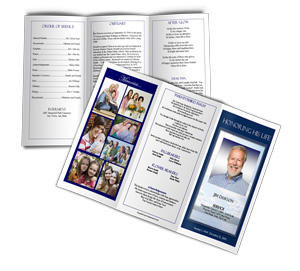 A funeral brochure (also called a funeral program or memorial service program) is a printed handout that is given out during a funeral or memorial service. The brochure gives details about the funeral service and information about the deceased. The funeral brochure typically has a trifold layout, which means that the paper folds twice giving 6 panels of information. These trifold layouts can come with different paper sizes, including standard 8 1/2"x11", legal size which is 8 1/2"x 14" and even a large tabloid size which is 11"x 17".
Funeral brochures don't always have to be a trifold layout. Other layouts for printed funeral stationery include bifold (single fold) which is like a funeral pamphlet or memorial booklet, and two and four-page graduated (tabbed) fold, which folds like a booklet to reveal a colorful rectangular tab with text and funeral cards, which is a smaller version of the single fold template.
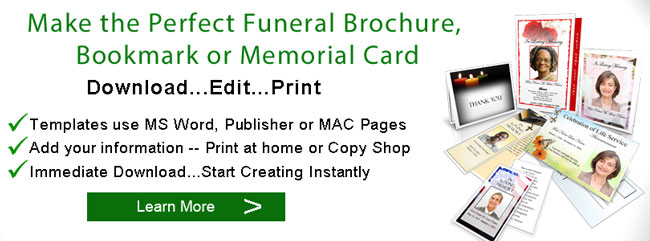
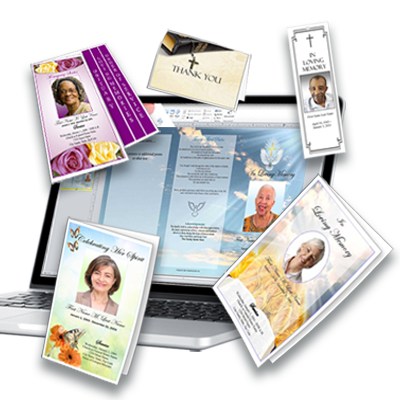
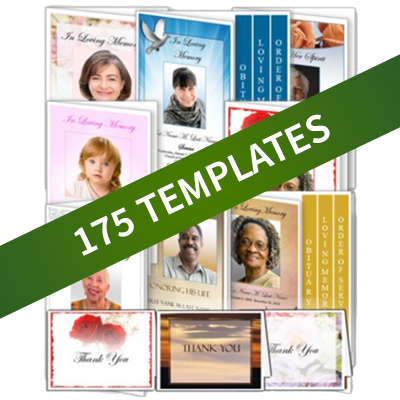
Once you have an idea of the information that you will be including, you may want to create the brochure yourself on your home computer and printer. The quickest and easiest way to create your own funeral brochure is to purchase a funeral brochure template. Templates are preformatted documents that help you quickly create your brochure. Templates are readily available on the internet and come in a variety of styles, designs and layouts. They can often be downloaded immediately.
Here are a few quick tips to consider when selecting a template:
When selecting a template design, consider your loved one's tastes, likes and favorite things.
You can selecting a design graphic based on your loved one's favorite color or flower. You can also select a design based on outdoor scenery or your loved one's hobbies or interests or their religious background.
Make sure you have the software needed to edit your template.
Template software can be word processors, such as Microsoft Word, Pages for Mac or OpenOffice, or it can be a desktop publishing program such as Microsoft Publisher. Make sure that you are comfortable using the template software.
Understand what text and design elements that can be changed and edited on the template.
This includes text, graphics, borders and other design elements. You may want to change the caption of the front, make sure you are able to do so. Different captions and titles include "Homegoing Service", "In Loving Remembrance" and "Celebration of Life" to to name a few. See our article on "Funeral Program Titles" for more information.
Gather all the information that you plan to include in your template.
There are many different kinds of information that can go in a funeral brochure. Here is a sampling of the differet types of information that can be included:
- Brochure Title or Caption, such as "In Remembrance" or "Honoring her Life". You can choose a caption to put on the cover that reflects the "tone" of your service.
- Cover Photo -- Most brochures include a cover photo, or some kind of photo of the deceased, but it is not mandatory.
- Obituary or Life Tribute -- Often the one of the most important elements of the program, and can also be one of the most difficult tasks of making your brochure. See our articles on how to write an obituary for more information.
- Funeral Order of Sevice or Memorial Service Outline -- tells the events that will take place during the ceremony or service. This can also be challenging to write, and often you will need the help of the people who are helping you plan your service, such as your funeral director, clergy or celebrant. See our article on funeral order of service for more information.
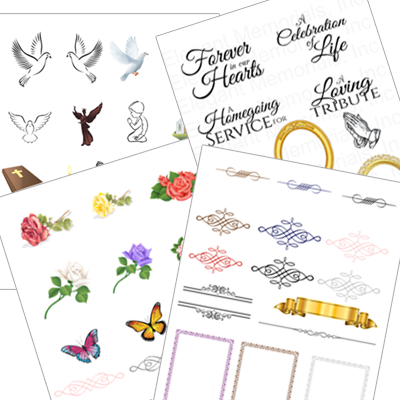
- Family photo collages -- photo collages can help soothe greiving guests, and help turn your brochure into a memorable keepsake. You may also consider adding decorative clipart to help personalize your program and make it more specific to your loved one's tastes.
- Poems, Scriptures and other information -- in loving memory poems, prayers and scriptures, personal notes to or about the deceased, favorite quotes or sayings can also be included. See the article "What goes in a Program" for more information about what you may want to include in your brochure.
When editing your template, save your work frequently.
When printing, make sure you have enough ink or toner on hand.
Also make sure you allow ample time for folding your brochures.
With a little effort you can create the perfect funeral or memorial brochure to capture the memories of your loved one.