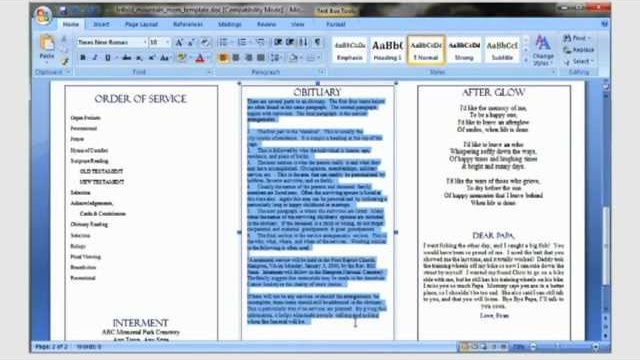
How funeral program templates work
1Select
2Design
3Edit/Print

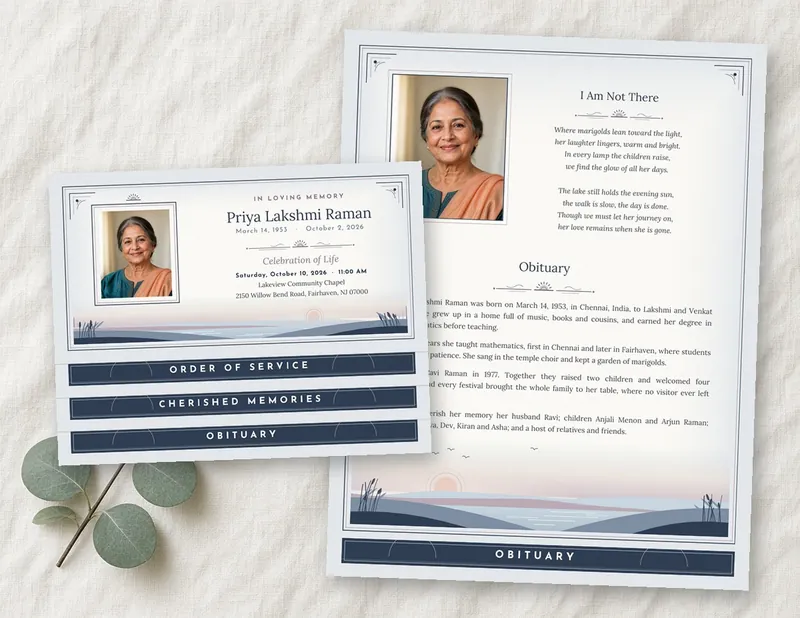
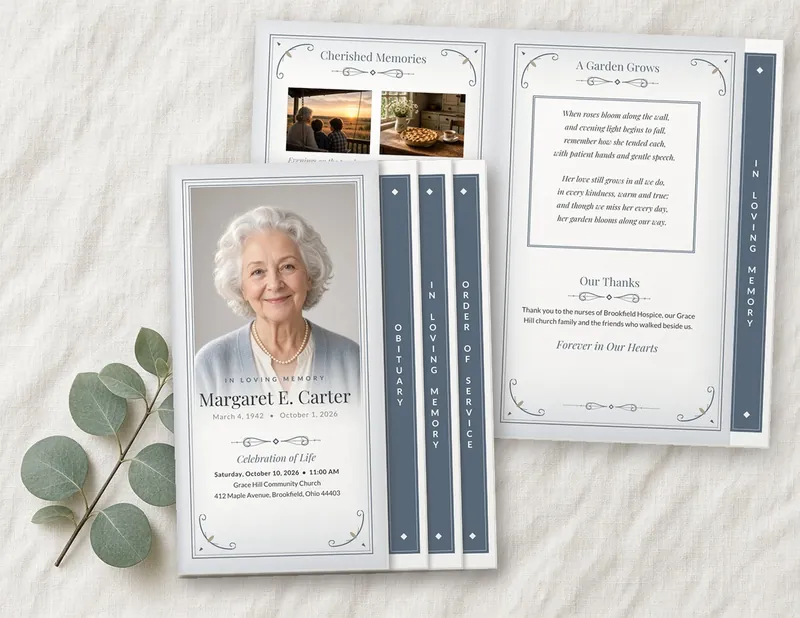
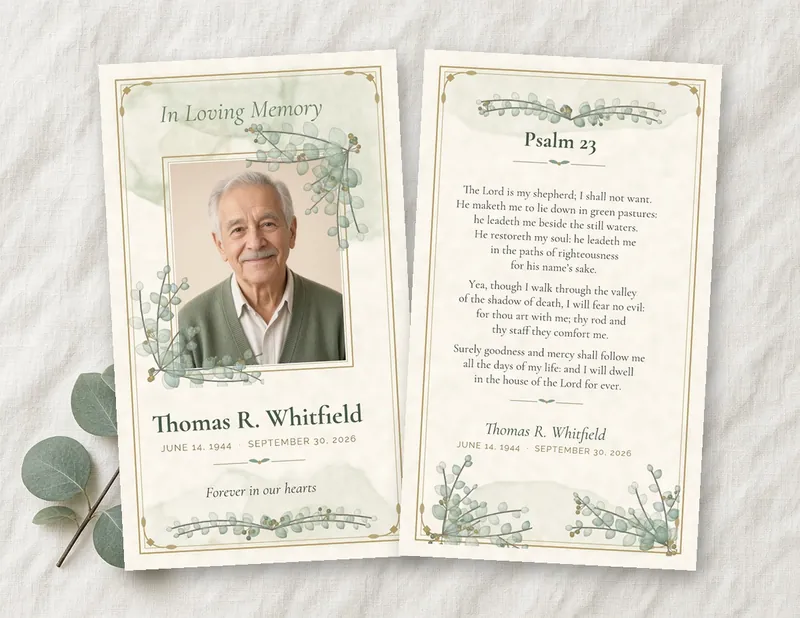
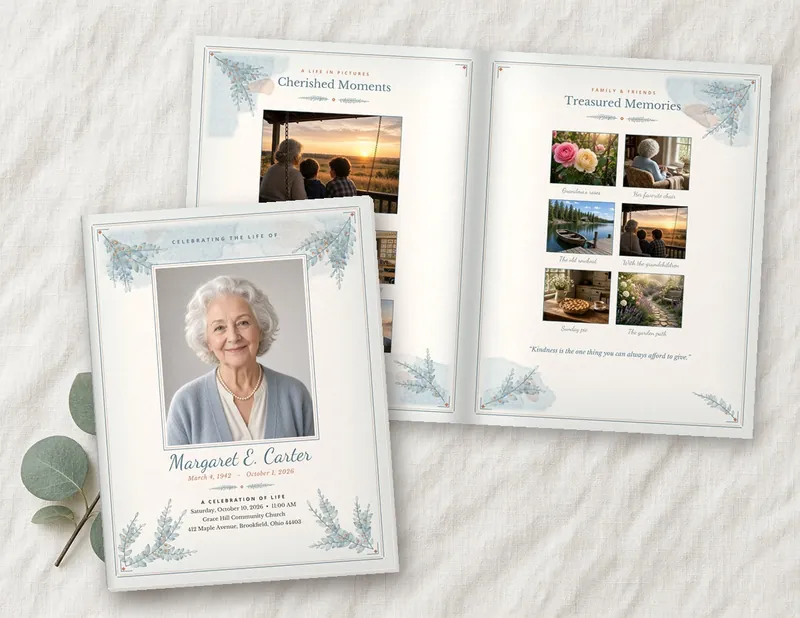
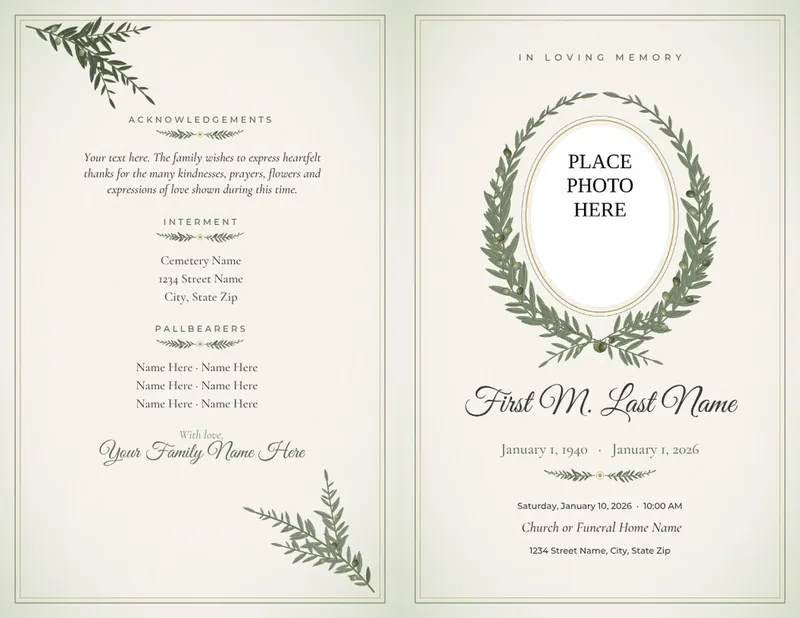
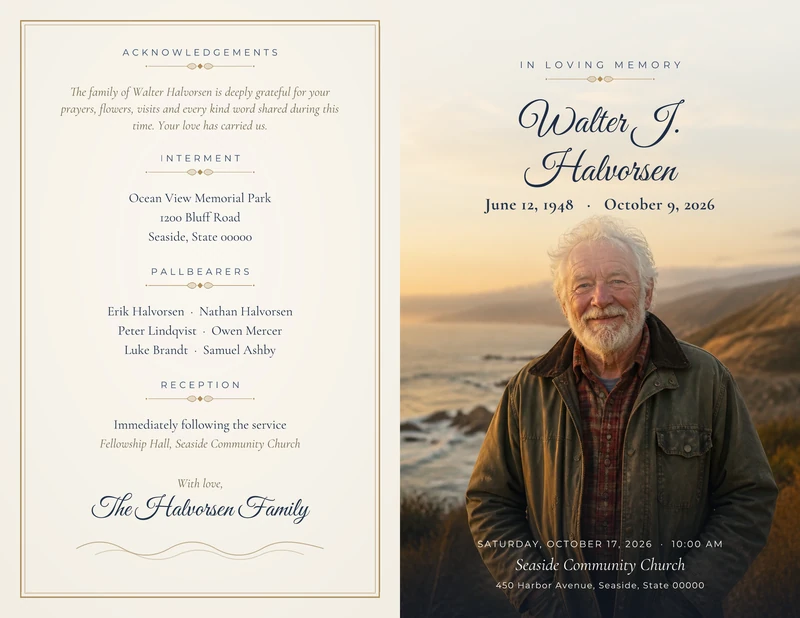
Create a unique funeral program, bookmark or prayer card
- Edit your template in Microsoft Word. Some designs also come in Canva or Apple Pages.
- Immediate download
- All text is editable. Add any information you need.
- Change fonts, font colors, border colors and styles. Add your photos, text and memorial clipart.
- Print at home or take it to a print and copy shop to get as many copies as you need
- Create a beautiful memorial and send it to friends and family electronically
1. Choose a design and download immediately
Select a design and a layout from our extensive collection of templates. Purchase your template using our secure checkout, or use PayPal. Download your template immediately.
2. Personalize your template and make it your own
Our templates open in Microsoft Word, and some designs also come in Canva or Apple Pages. Check each template's page to see its formats. All text can be edited, even the title. Add your cover photo, poems, order of service, family photos and clipart. Be as creative as you like. You can also use our templates as many times as you want.
3. Print your template at home or take it to a copy shop
Our templates print well on an inkjet or laser home printer. Or save your finished program to a USB drive and take it to a printer or copy shop to have it printed for you.
Have a question? Our funeral program template FAQs cover software, downloads and printing. If you would rather have our designers enter your text and photo for you, see our template editing services. You can also email us and we usually reply within one business day.