
Canva
Edit Your Funeral Program in Canva
Our funeral program designs are now available in Canva. You edit the design online in your browser, and a free Canva account works. No Canva Pro is needed.
Canva is simply another File Type you can choose on the product page, at the same price as the other file types. It's available on select designs, with more added regularly. Available formats vary by design.
Fonts may differ slightly from the sample depending on the fonts available in Canva.
All you need is a free Canva account. There's no software to install and no paid Canva subscription; you edit online in your browser.
How it works
-
1. Choose your design
Browse our funeral program templates and open the design you love.
-
2. Choose Canva as your file type
On the product page, open the File Type menu and select Canva in place of the other file types offered for that design. The price stays the same. If you don't see Canva in the menu, that design isn't available in Canva yet.
-
3. Download your PDF and open it in Canva
After checkout, download your PDF. It contains a private link to your Canva template. Click the link, sign in to Canva (a free account works), and add your loved one's photo, name, dates, order of service, obituary and poems.
Same design, your choice of file type
| If you'd like to… | Choose this file type |
|---|---|
| Edit on your computer in Microsoft Word | MS Word |
| Edit in Microsoft Publisher | MS Publisher |
| Edit on a Mac in Pages | Apple Pages |
| Edit online in your browser (a free Canva account works) | Canva |
You're buying one design either way. The file type just decides which program you'll edit it in. Available formats vary by design, so check the File Type menu on the product page to see which ones are offered.
Where Canva is available now
Canva is currently offered as a file type on these designs, with more added regularly. Available formats vary by design; every design listed here includes Canva.
New New in Canva
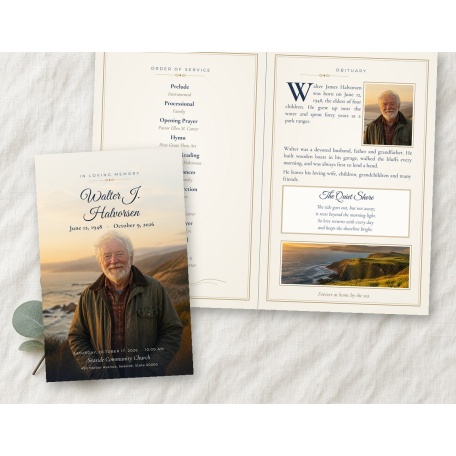 CanvaQuiet ShoreBifold
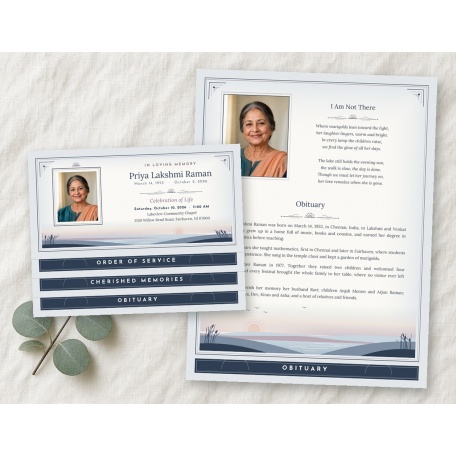 CanvaSoft HorizonBottom graduated fold
 CanvaModern BotanicalPrayer card
 CanvaCelebration of LifeLarge booklet
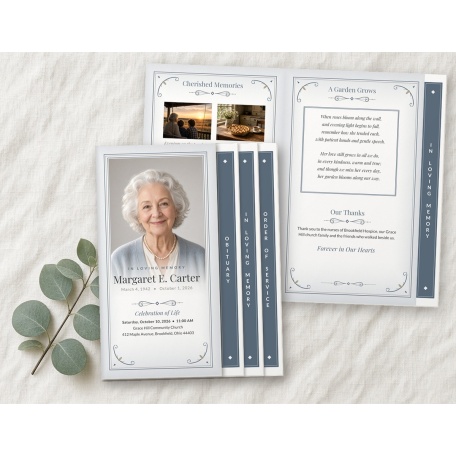 CanvaSoft Fade Portrait4-page graduated fold
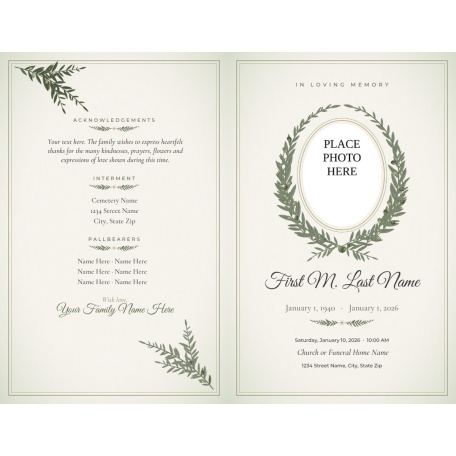 CanvaOlive BranchBifold
Refreshed designs
 CanvaBright Silver Cross Funeral Program TemplateBifold · Canva is available in Blue and Tan
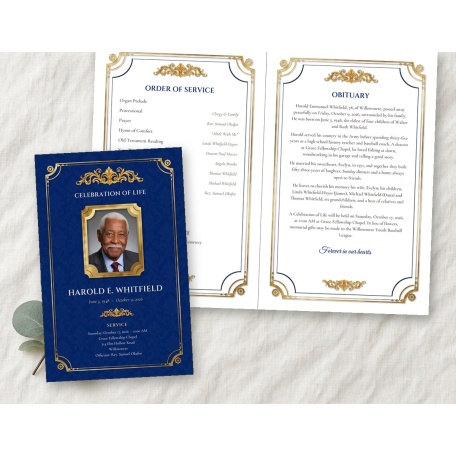 CanvaMemorial Plaque Funeral Program TemplateBifold
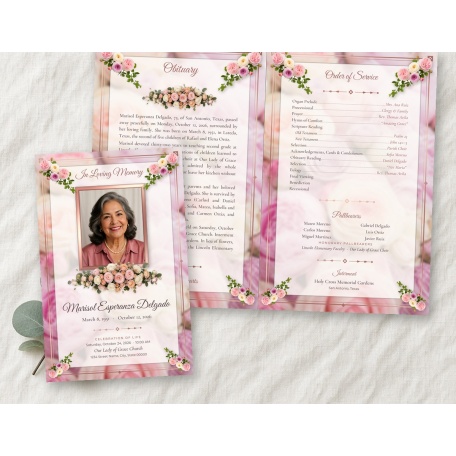 CanvaPastel Memories Funeral Program TemplateBifold
More designs in Canva
 CanvaAmerican Memories Funeral Program TemplateBifold
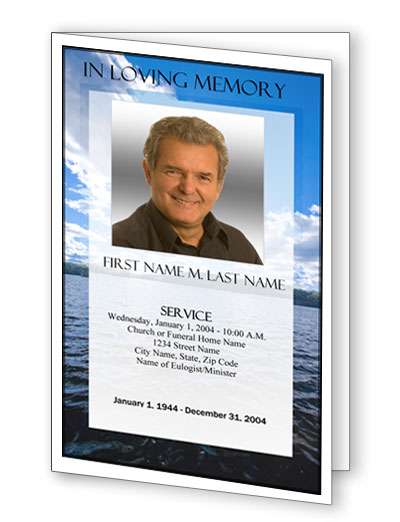 CanvaWade in the Water Funeral Program TemplateBifold
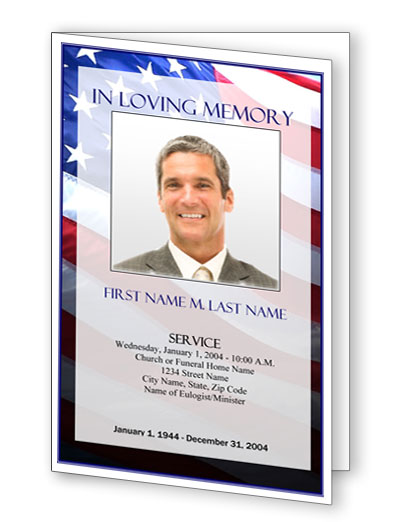 CanvaPatriotic (US) Funeral Program TemplateBifold
More designs added to Canva regularly.
All designs available in Canva
Every design below includes Canva as a file type. Available formats vary by design.
Bifold
- Quiet Shore Funeral Program Template
- Olive Branch Funeral Program Template
- Bright Silver Cross Funeral Program Template
- Bright Golden Cross Funeral Program Template
- Memorial Plaque Funeral Program Template
- Pastel Memories Funeral Program Template
- American Memories Funeral Program Template
- Floral Glitter Frame Funeral Program Template
- Wade in the Water Funeral Program Template
- Classic Cross Funeral Program Template
- Flowers of Devotion Funeral Program Template
- Peaceful Waters Funeral Program Template
- Tan Simplicity Funeral Program Template
- Bible Memories Funeral Program Template
- Ornate Cross Funeral Program Template
- Dove Cross Funeral Program Template
- Brown Sunset Funeral Program Template
- Honorable Funeral Program Template
- Patriotic (US) Funeral Program Template
- Ray of Sunshine Funeral Program Template
Legal bifold
Graduated fold
Bottom graduated fold
4 page graduated fold
- Soft Fade Portrait Funeral Program Template - 4 Page Graduated Fold
- Floral Bouquet Frame Funeral Program Template - 4 Page Graduated Fold
- Memorial Plaque Funeral Program Template - 4 Page Graduated Fold
- Lovely Purple Rose Funeral Program Template - 4 Page Graduated Fold
- Pastel Memories Funeral Program Template - 4 Page Graduated Fold
Large booklet
Funeral cards
Thank you cards
Frequently asked questions
Is the Canva version a different template?
No. It's the same design. Canva is one of the file types you can choose on the product page. Available formats vary by design; every design listed on this page includes Canva.
How do I get the Canva version?
Open the design you want, choose Canva in the File Type menu, and check out. You'll download a PDF with a private link to your Canva template.
Do I need to pay for Canva?
No. The template link works with a free Canva account.
Does choosing Canva cost more?
No. It's the same price as the other file types for that design.
Will my program look exactly like the sample?
Very close, but fonts may differ slightly from the sample depending on the fonts available in Canva.
Is every design available in Canva?
Not yet. Canva is available on select designs, with more added regularly. If Canva appears in a product's File Type menu, you can choose it. You can choose one of the other file types offered for that design instead. Our guide to funeral program templates for Microsoft Word explains how editing in Word works.
Need help with the wording?
See our funeral order of service samples, what to include in a funeral program and in loving memory poems.
Ready to start?
Pick your design, then choose Canva as your file type.
Browse funeral program templates →


