
Best fonts for a funeral program
Creating your own funeral program is a way to make a personal keepsake that honors your loved one. Besides gathering the funeral and burial plans, the funeral program order of service, poems and personal details about your loved one, you also choose a design that represents them. Part of that is choosing the font.
Many first-time designers spend hours on this because the choices seem endless. Picking a typeface is part intuition and part experience, with a few design rules for good measure. You want a lovely program without overdoing it.
Best fonts for a funeral program
Most funeral programs use one clear font for the main text and, if you like, a second font for the title or the name. These are good places to start. Many of them come with Microsoft Word, but the list on your computer can differ by version, so check your own font menu. The same choices work well for the obituary text inside the program.
Serif fonts for the main text
Garamond, Georgia, Book Antiqua and Century Schoolbook are classic choices. The small strokes at the ends of the letters guide the eye along a line, which helps in a paragraph such as an obituary or a poem.
Sans serif fonts for a clean look
Calibri, Arial, Verdana, Helvetica and Franklin Gothic Book are simple and clear. They suit short lines such as dates, service details and the names of those taking part.
Script fonts for a title or name
A script such as Edwardian Script or Monotype Corsiva can look graceful on the cover. Use it for one short line only. Long passages and words in all capitals are hard to read in script.
What to avoid
Skip fonts that are very decorative, very heavy or playful. Choose a style that is easy for every guest to read, including older relatives.
How to choose a font
Take a little time to see how a font looks on a real page. Choose one that reflects your loved one's personality and the feel of the service. If you are short on time, use a font you already know.
Make it easy to read
Your program may hold a lot of text about your loved one and the service. Tiny type, crowded lines and hard-to-read fonts make it tiring for guests. Give the text room to breathe.
Pair fonts with care
You do not have to use one font throughout, especially if there is a lot of text. Pair two fonts that complement each other. Use one for the title and headings and the other for the text, for example a script title over a serif name and body text. There is no single rule for which fonts go together, so try a few on one page and see which looks best.
Watch the font size
Body text is usually at least 12 point, and many people find 14 point easier to read. Do not make it so small that guests squint, and do not make it so large that it crowds the page. Keep the size consistent throughout.
Match your program's design
The type should suit the color theme and photos of your program. Too many styles and sizes take away from the elegance you are creating. If you are still choosing a layout, our guide to selecting a funeral program design can help.
Print a test page
Before you print copies, print one page at full size and read it at arm's length. It is the easiest way to catch text that is too small, too light or hard to read.
Changing the font in your template
If you have purchased a funeral program template, the fonts are already chosen and formatted for you, and you can keep them. To change one, select the text and pick a new font from the font menu in Word, or in Apple Pages or Canva if your design comes in them. In Canva, the fonts you can choose depend on what Canva offers, so the list may differ from Word.
Need ideas for the words on your cover? See our funeral program titles. For decorative touches, browse our borders and titles clipart.
View our borders and titles clipart
Make a funeral program or keepsake
Our Newest Templates
View Templates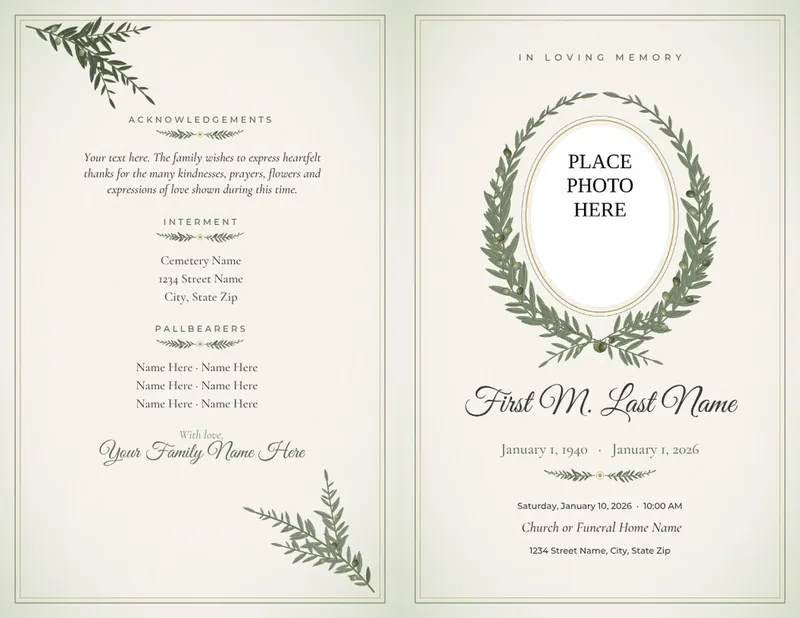
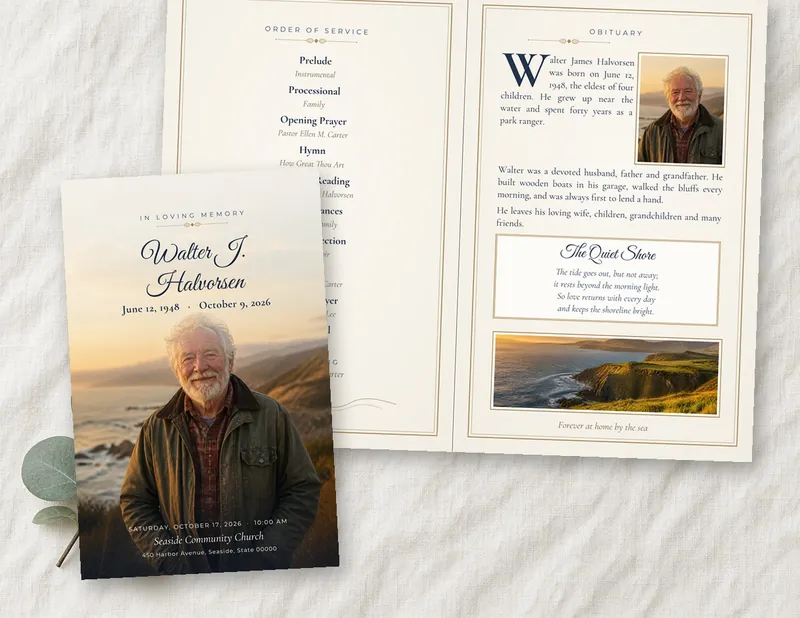
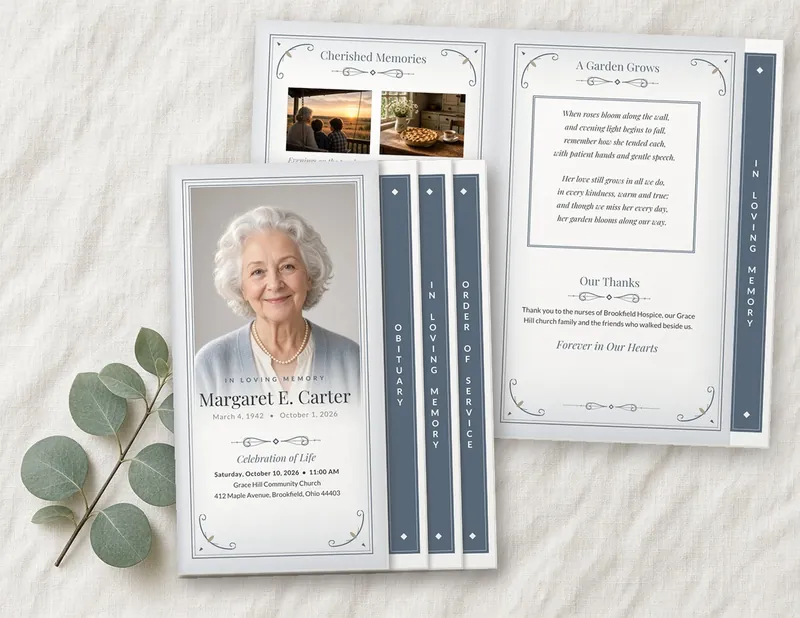
Our templates open in Microsoft Word, and many designs also come in Apple Pages or Canva. Check each template's page for its formats. Every word can be changed, including the title, and you can download right after you order. Questions? Email us and we usually reply within one business day.


